Product Overview
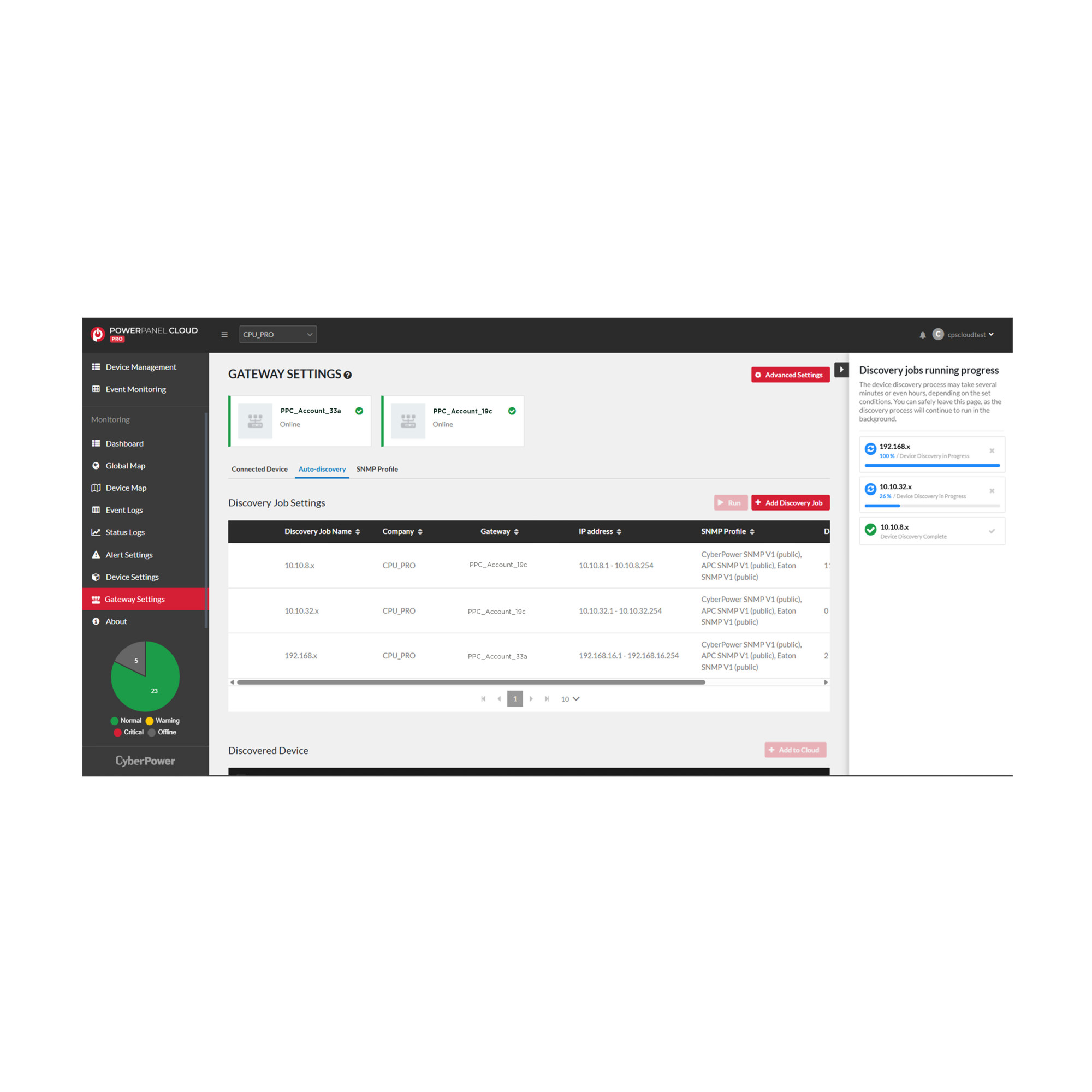
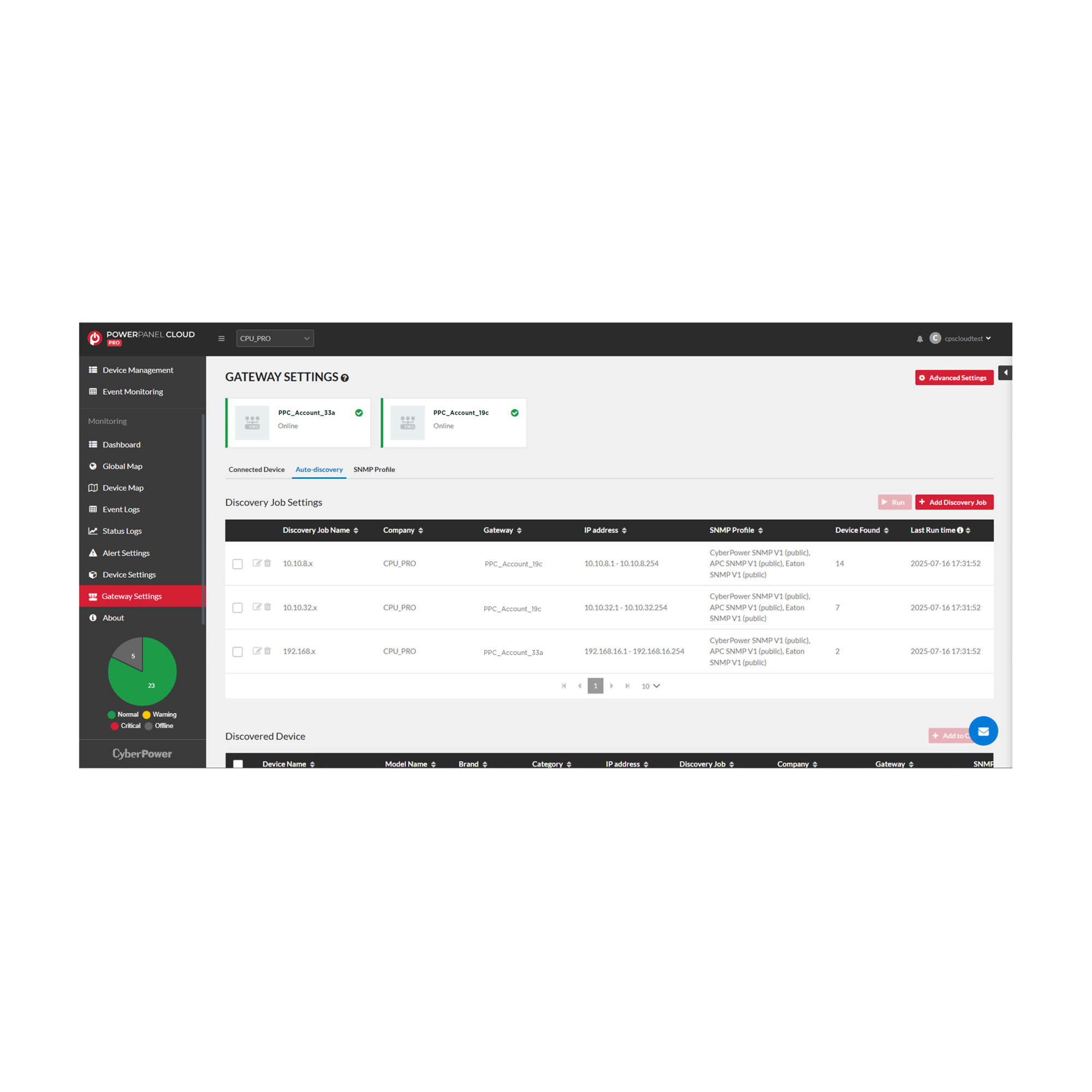
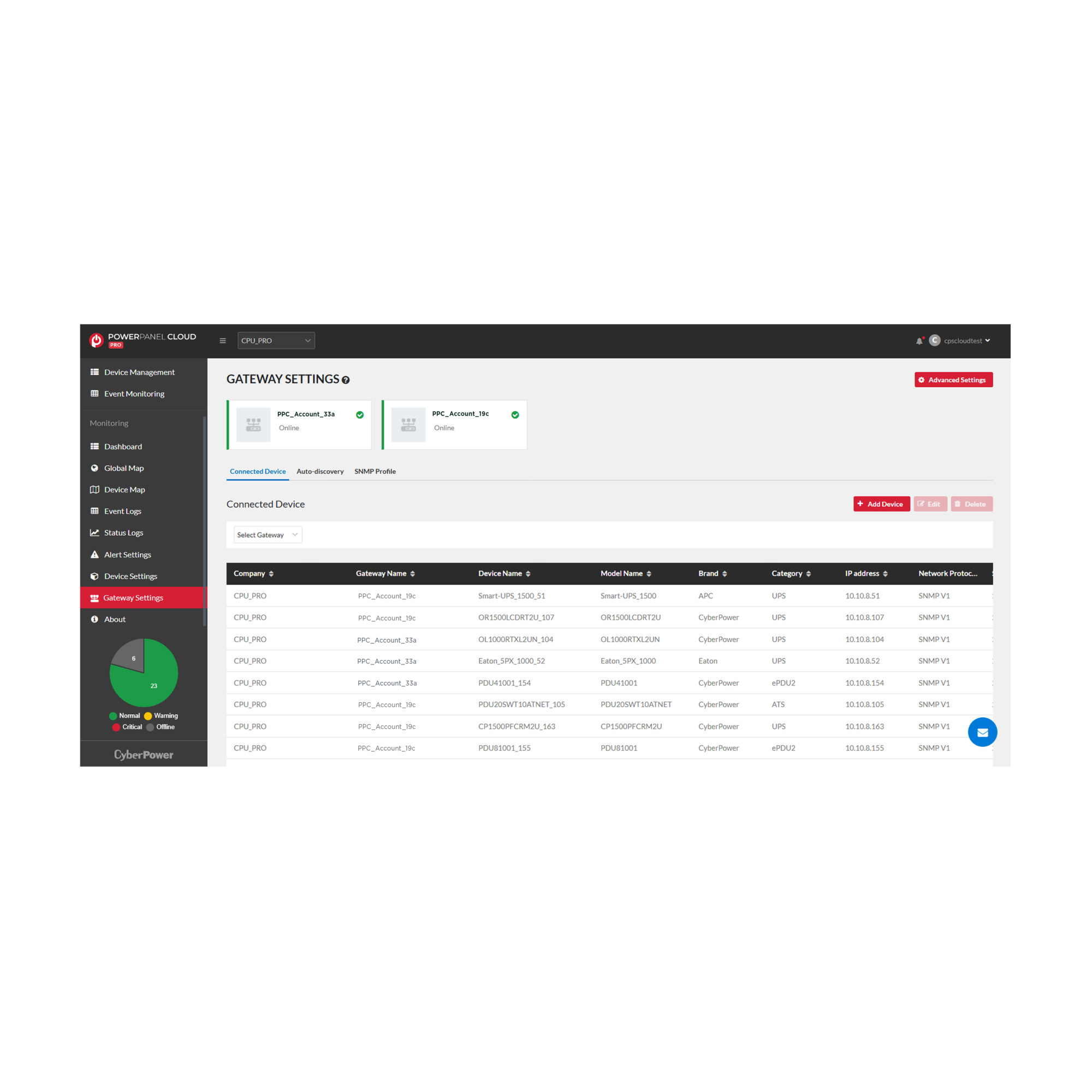
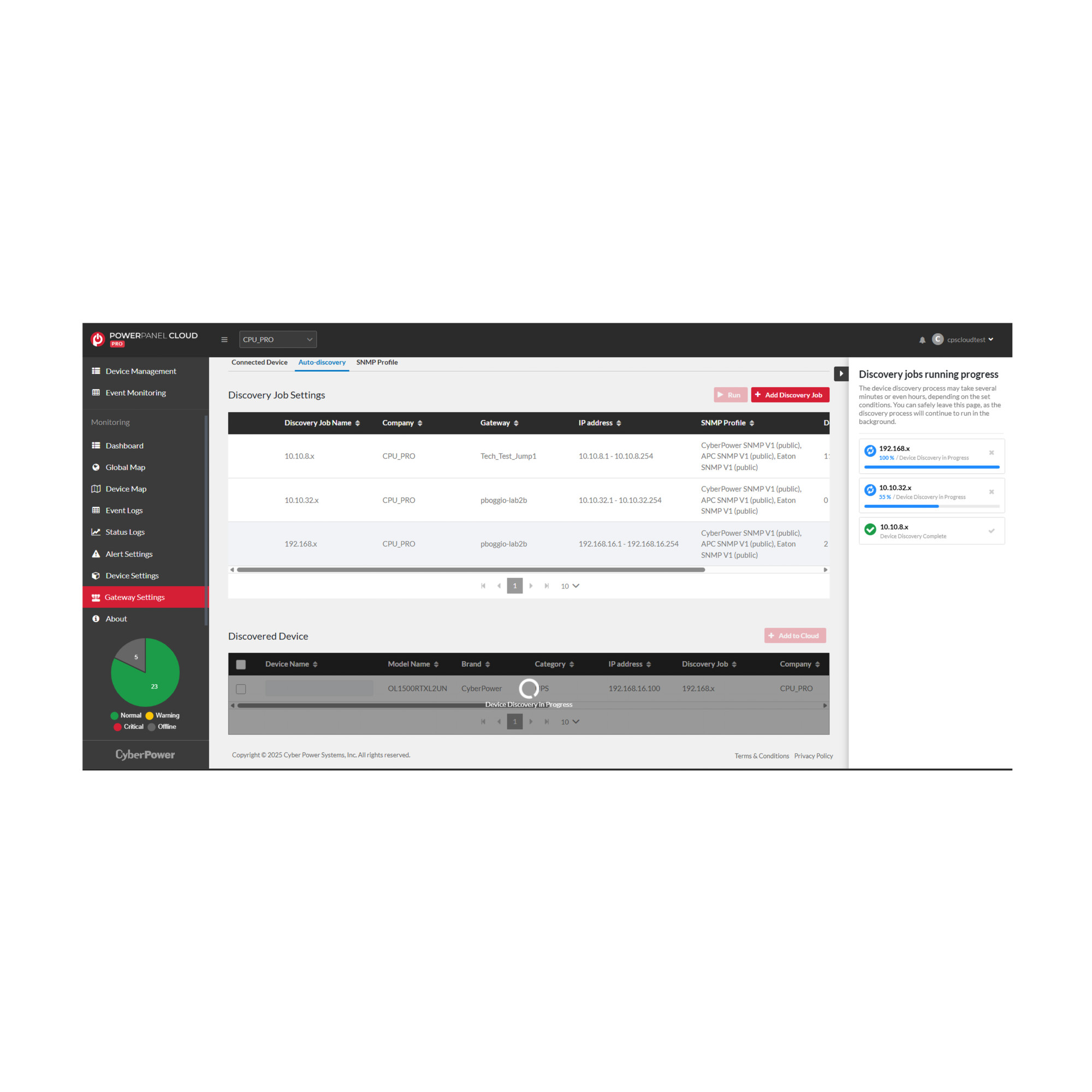
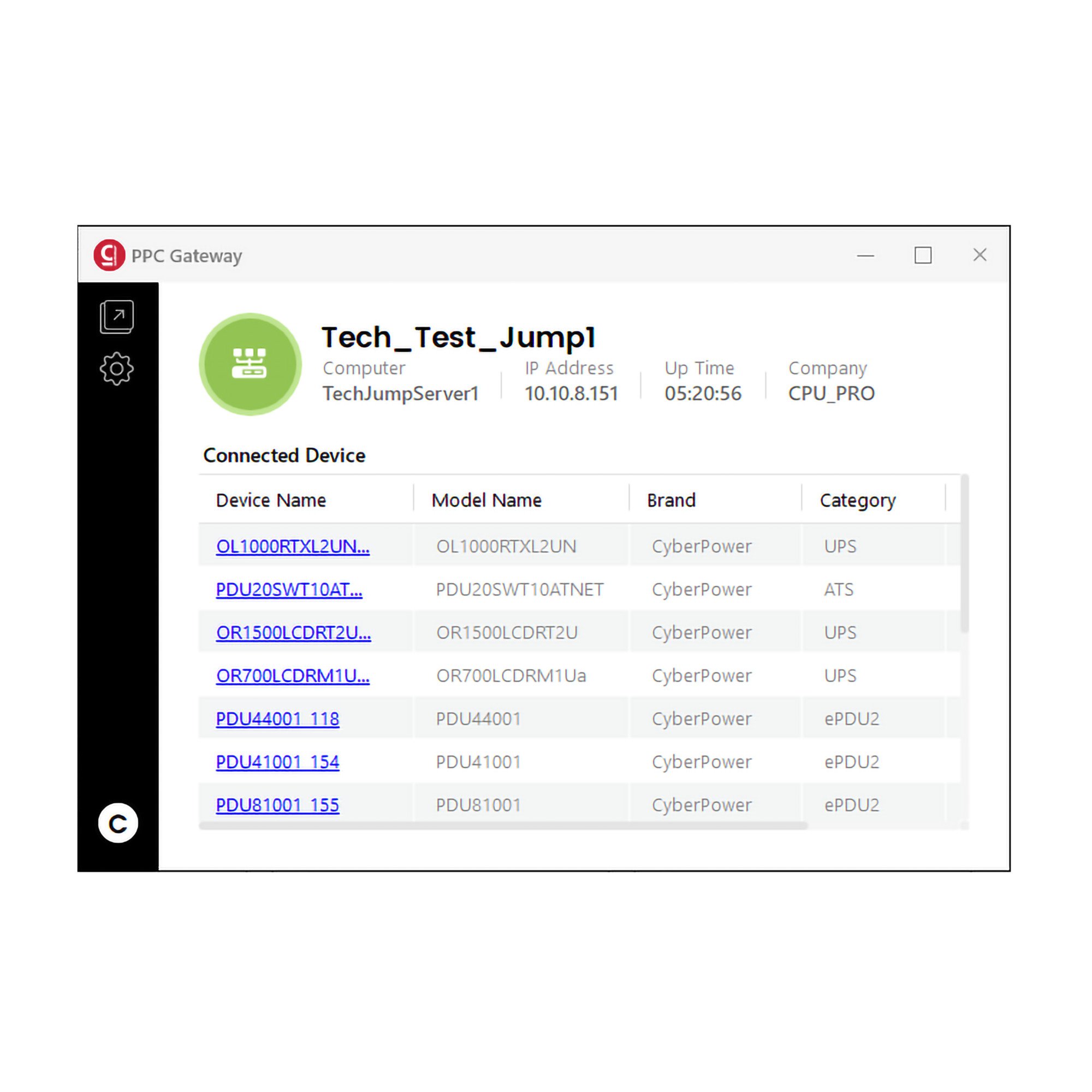
PowerPanel® Cloud power monitoring software allows businesses to easily monitor CyberPower UPS systems anywhere there is an internet connection, increasing efficiencies and decreasing IT resources. Yet not all UPS systems feature cloud-based remote management cards. PowerPanel Cloud Gateway delivers the convenience of cloud management for connected devices via standard SNMP and remote management network cards.
Via PowerPanel Cloud Gateway, users can now easily add devices to both PowerPanel Cloud and PowerPanel Cloud Pro software using standard SNMP protocol or a remote management card. PowerPanel Cloud Gateway supports all CyberPower UPS, PDU, and ATS devices and as well as some third-party UPS that utilize the CyberPower MIB key, allowing users to monitor their equipment anytime, anywhere.
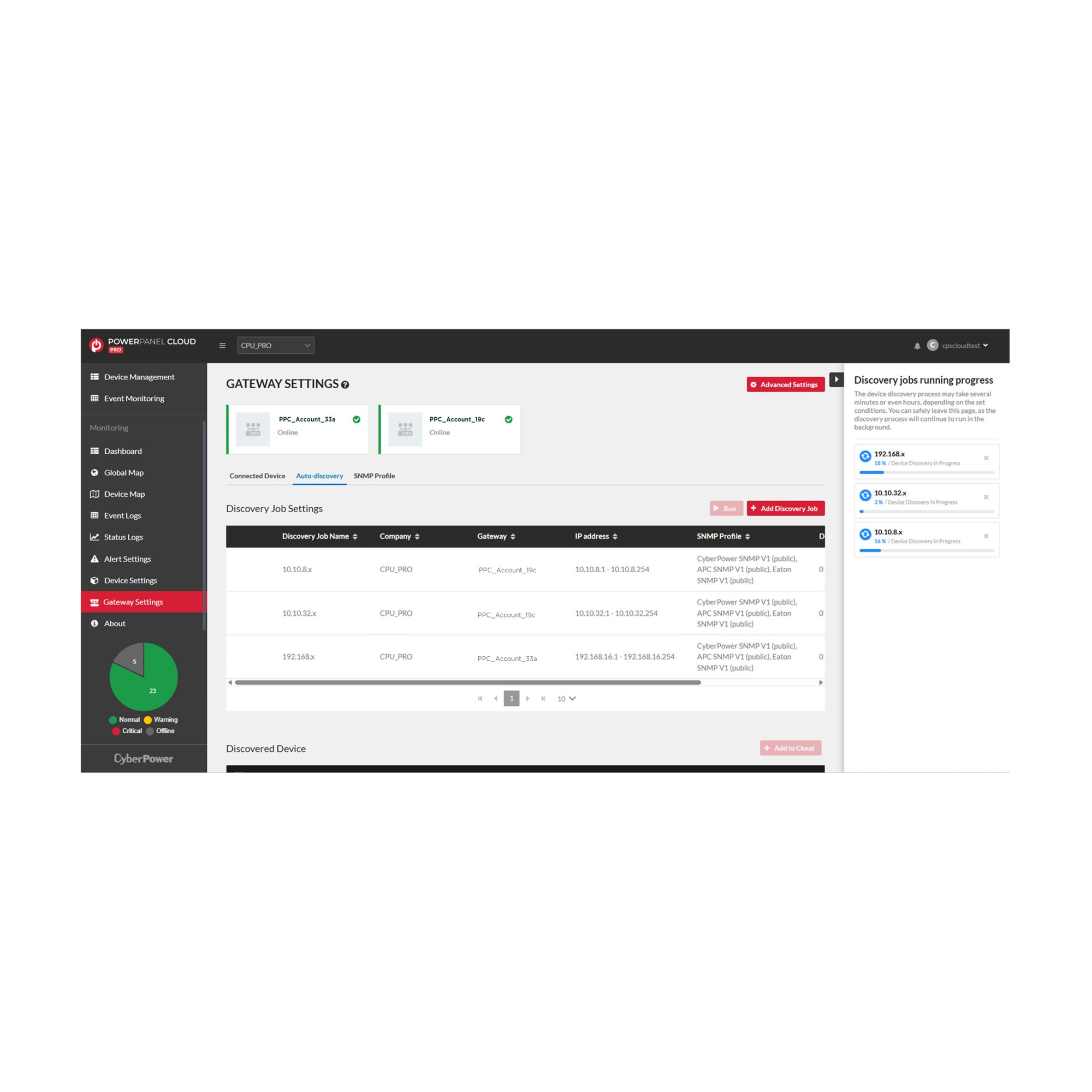
It provides a default SNMP profile for CyberPower and non-CyberPower power protection devices using SNMP V-1, with the community string set to “public.” For added flexibility, users may add or edit SNMP profiles as needed.
The dashboard provides UPS status and power conditions at a glance and delivers power event alerts instantly. Event logs provide key insights for troubleshooting and prevention of potential power issues. Users can configure discovery jobs to meet their specific requirements and alert notifications are sent via email or PowerPanel Cloud app messaging.
PowerPanel Cloud Gateway is ideal for decentralized service providers, POS systems with limited network infrastructure, and small/medium businesses looking to simplify power monitoring whose devices are not cloud-enabled.
Product Features
- PowerPanel Cloud Integration (SSO) Once installed, PowerPanel Cloud Gateway is managed via PowerPanel Cloud software.
- Unlimited Gateways Multiple versions of PowerPanel Cloud Gateway may be connected to the user’s PowerPanel Cloud account so they can monitor devices in multiple networks or locations.
- Easy to Setup & Connect Users can install PowerPanel Cloud Gateway on any computer on the network containing the devices to monitor via PowerPanel Cloud and log in to a PowerPanel Cloud account.
- Compatibility Retain your remote management card and software features while being able to connect to cloud monitoring without having to replace them with dedicated cloud cards.
- No VPN Required Receive alerts and monitor the status of SNMP-compliant power devices in the cloud.
- 3rd Party Device Monitoring PowerPanel Cloud can monitor 3rd Party UPS from APC and Eaton that have an SNMP card installed.


